
How to upload documents to a client workspace in YakFiles
Documents also arrive by email or on paper. Uploading them to the client's workspace keeps the whole file in one place, scanned for malware and versioned like everything else.
Before you start
- A client workspace
Transcript
Add a document you received by email to the client's workspace, so the whole file stays in one place.
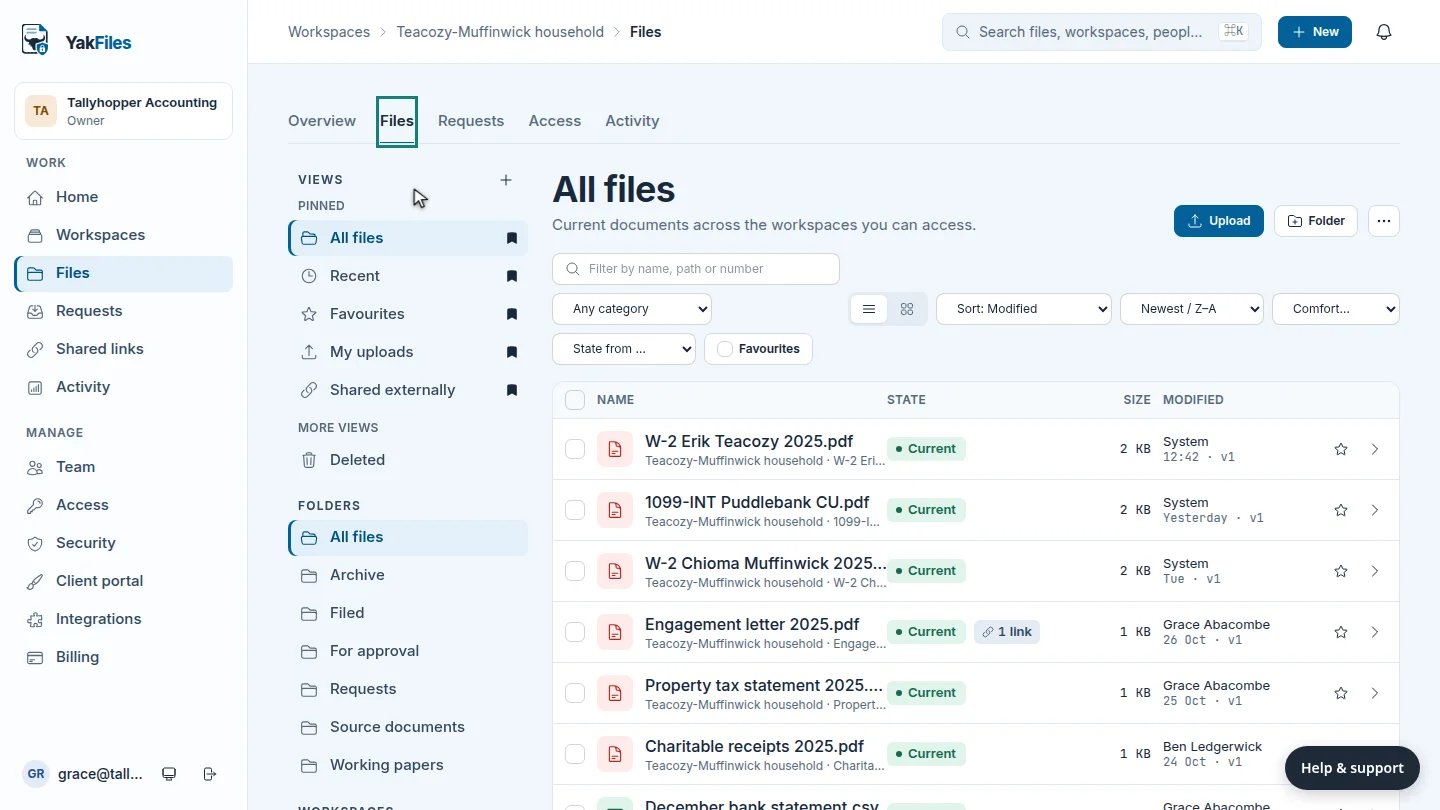
In Workspaces, open the client, then the Files tab.
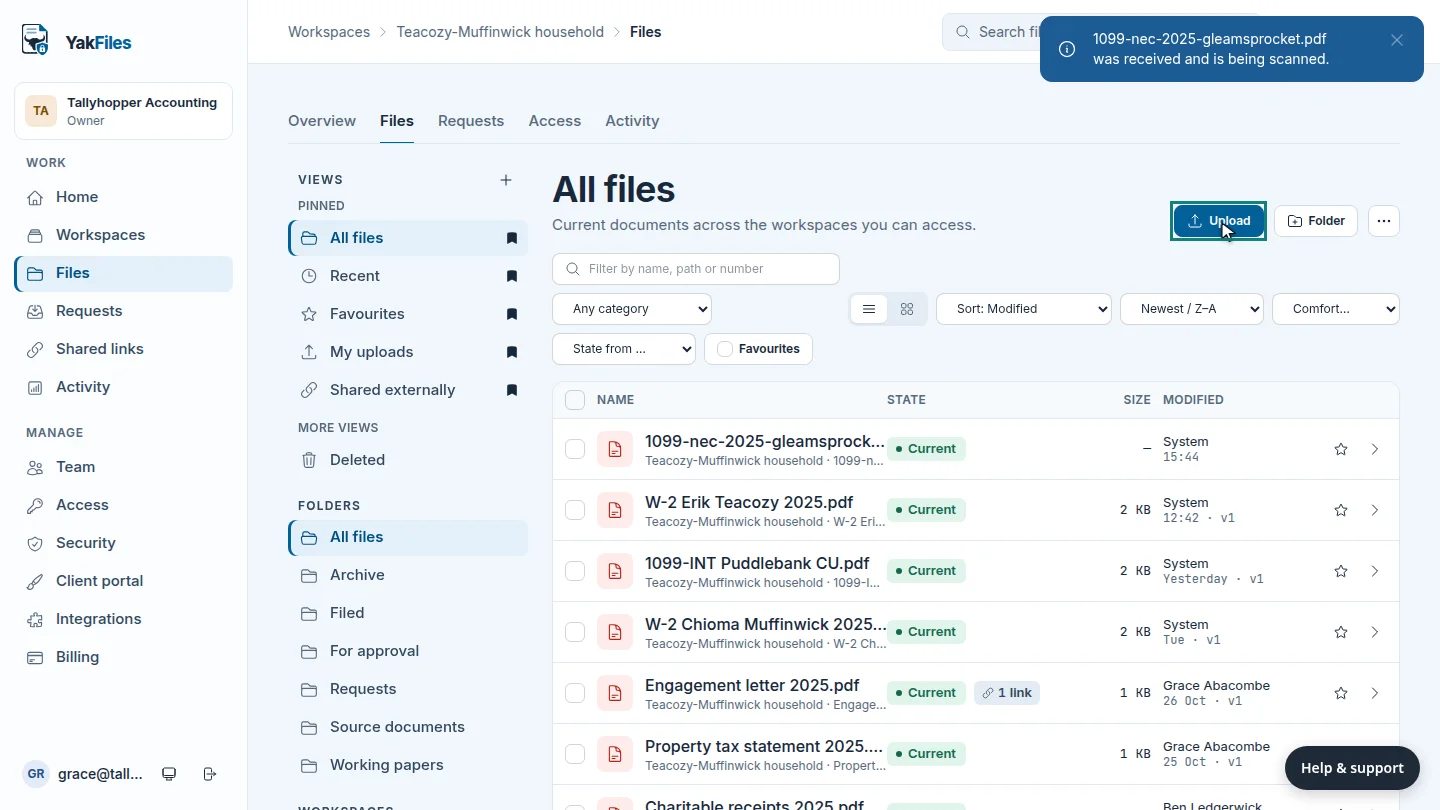
Select Upload, and choose the file from your computer. This one is a 1099 that the client emailed over, so it belongs with the rest of their tax documents.
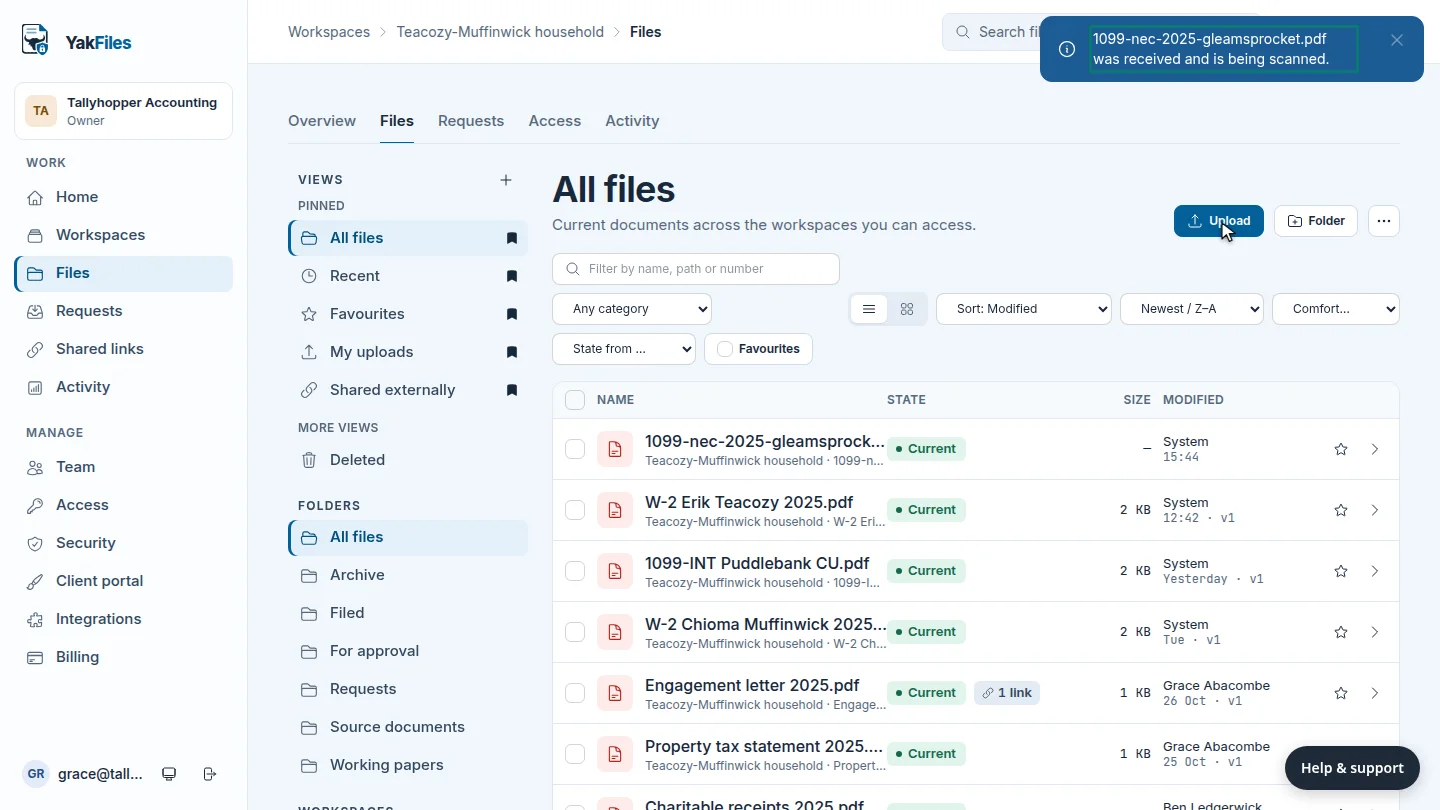
The file joins the list, and it's scanned for malware before anyone can open or share it.
Steps
Open the workspace files ▶ 0:07
In Workspaces, select the client, then select the Files tab.
Upload the file ▶ 0:11
Select Upload and choose the file.
Check it arrived ▶ 0:22
A message confirms the file was received and is being scanned. It appears at the top of the list.
Next steps
Updated 2026-10-26
upload files add documents drag and drop client file